


Handover note
The Handover of children is often the most sensitive moment of the week. If organizational matters still need to be discussed quickly at the front door, the mood can quickly become tense. The digital Handover note takes this pressure off: you share important information in advance, use saved standard points, and, if desired, are reminded of open tasks in good time. This keeps the actual Handover short, clear, and as relaxed as possible for your children.
Good to know: The Handover note serves for the joint organization of a Handover. For personal incident documentation visible only to you, there is a separate Smart Protocol.
1
Everything Important at a Glance
How was the week?
Short, concise, and neutral.
Did your child sleep poorly? Is their throat scratchy? Have the homework for Monday already been done? With just a few clicks, you can document your child’s current status. This way, the other Parent immediately knows whether the child needs rest or if a school project is pending, without you having to make long phone calls.

2
The Anti-Forget Checklist
Cuddly toy and math book safely packed.
“You forgot the winter jacket again!” – such messages can quickly ruin the day. Check off in the Handover note which items, like medication, favorite toy, school or sports gear, have been packed and what needs to come back. You can save recurring items once as a template and reuse them directly for future Handovers. This way, every checklist starts complete, without you having to retype the same entries over and over again.

3
Handover Reminder
Know what’s still pending in good time.
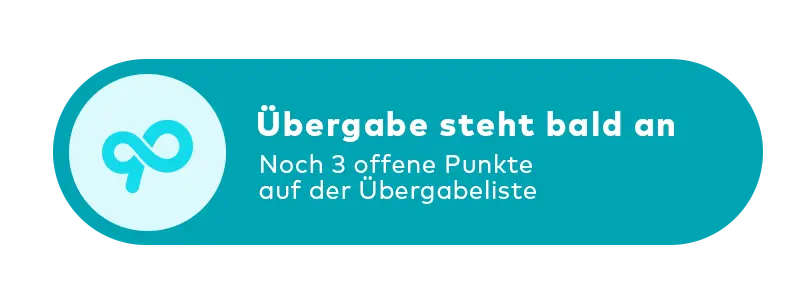
If desired, activate a push reminder three hours before the Handover. It shows you the planned time, the Handover location, and the number of open items. This leaves enough time to pack medication, school documents, or the favorite cuddly toy – without frantic messages just before the Handover.
Try it for free for 14 days – then you decide.
Fair, transparent, and
no subscription traps.
Start your new beginning completely risk-free. Download CoParently and get immediate access to all PRO features. After 14 days, your account will automatically switch to the permanently free Basic mode. You don’t need to cancel anything.


